Getting started with Blockly
3. Explore the app
To run the app, simply open starter-code/index.html in a browser.
Play Mode
By default, the app launches in "Play Mode". In this mode, you can see 9 buttons. None of them can do anything yet. The idea is to let the user define custom behaviors for each button, using Blockly.
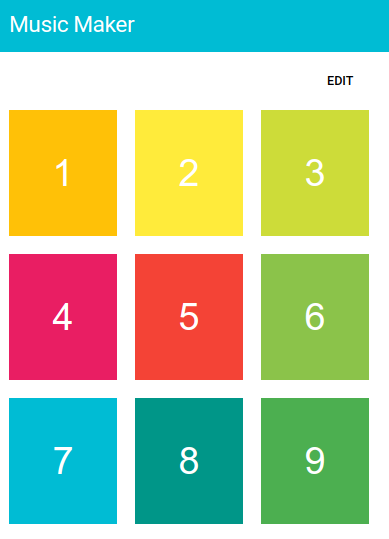
Edit mode
By tapping the EDIT button, you can switch to edit mode. In this mode, tapping a button will display an editor, which is where you can program how sounds should play for that button. For now, the editor screen is empty.
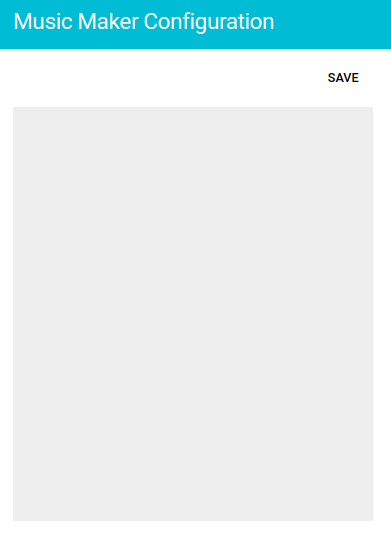
You can go back to the play mode by tapping SAVE and then DONE buttons.