Build custom renderers
1. Codelab overview
What you'll learn
- How to define and register a custom renderer.
- How to override renderer constants.
- How to change the shape of connection notches.
- How to set a connection's shape based on its type checks.
What you'll build
This codelab builds and uses four renderers:
- A minimal custom renderer that extends
Blockly.blockRendering.Rendererbut makes no modifications.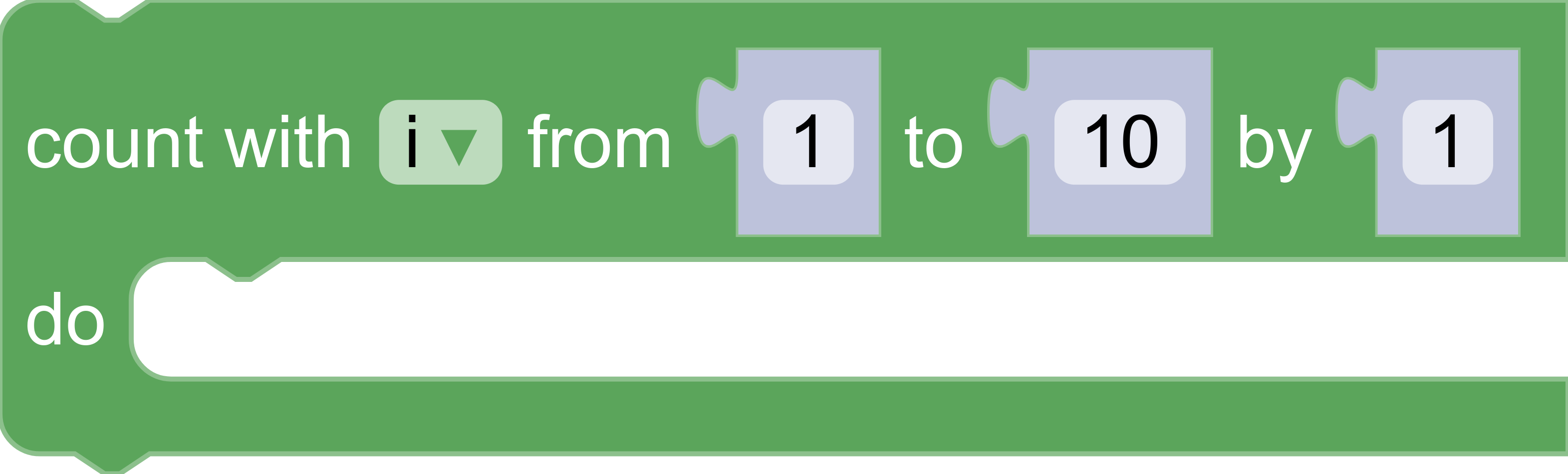
- A custom renderer which sets new values for the rendering-related constants
NOTCH_WIDTH,NOTCH_HEIGHT,CORNER_RADIUS, andTAB_HEIGHTfound inBlockly.blockRendering.ConstantProvider.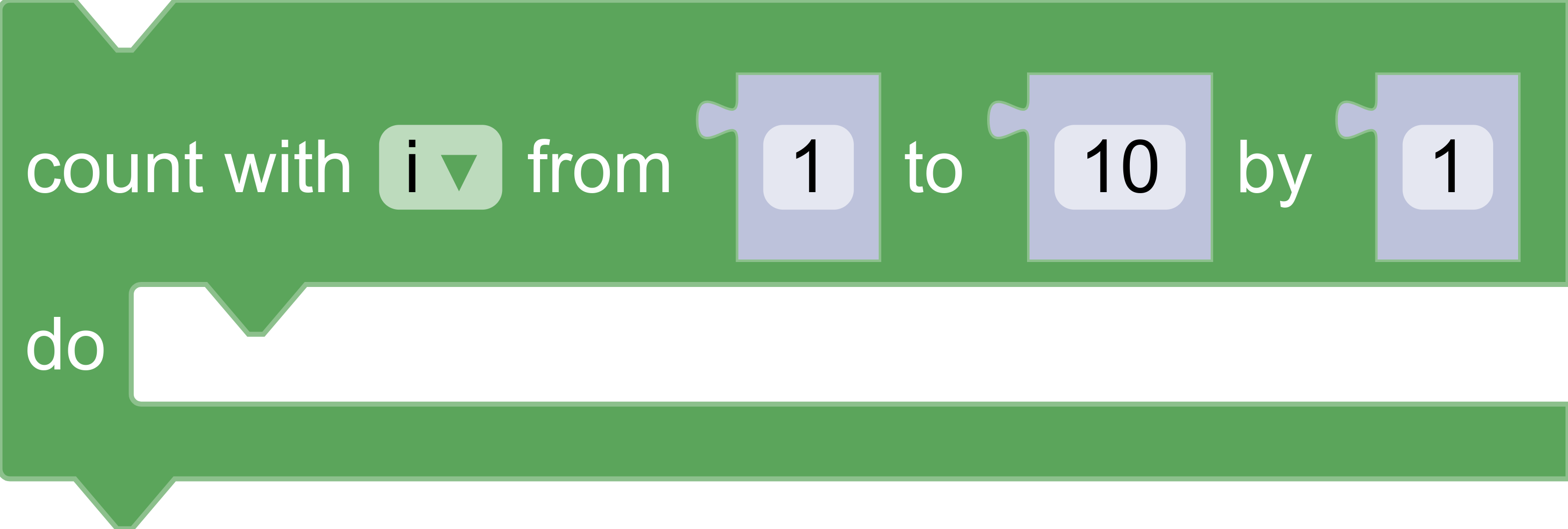
- A custom renderer which overrides the functions
Blockly.blockRendering.ConstantProvider.init()andBlockly.blockRendering.ConstantProvider.shapeFor(connection)to define and return custom SVG paths.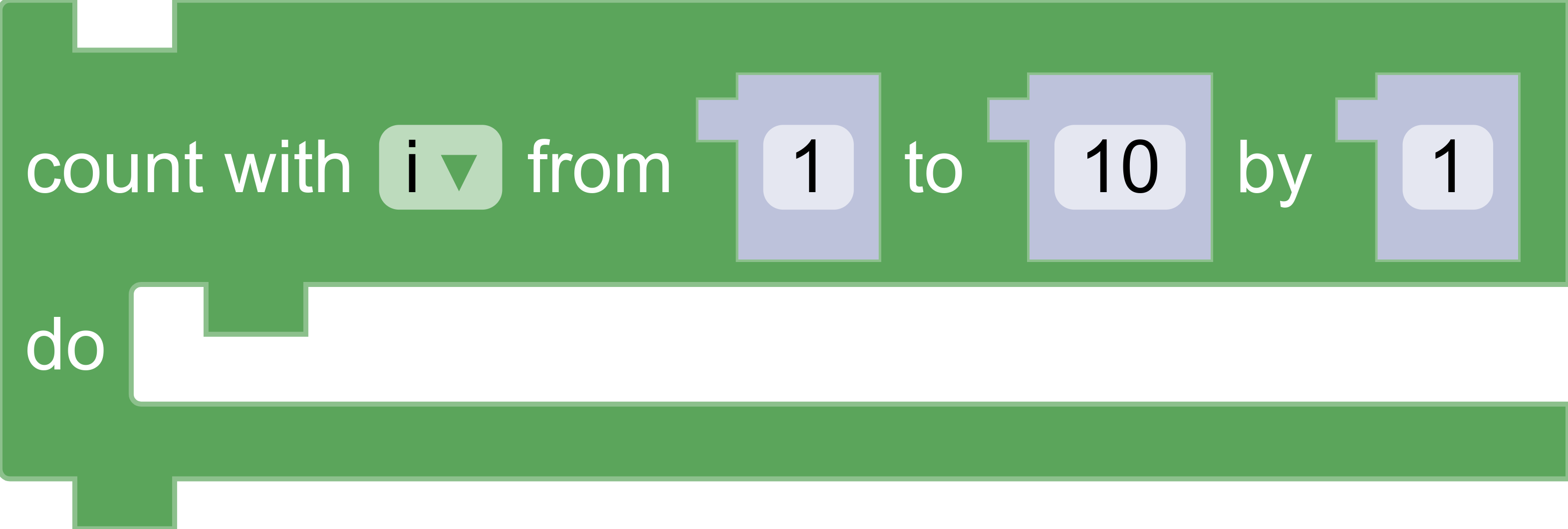
- A custom renderer which overrides the function
Blockly.blockRendering.ConstantProvider.shapeFor(connection)to return different shapes for the input/output connections depending on whether the their type is aNumber,String, orBoolean.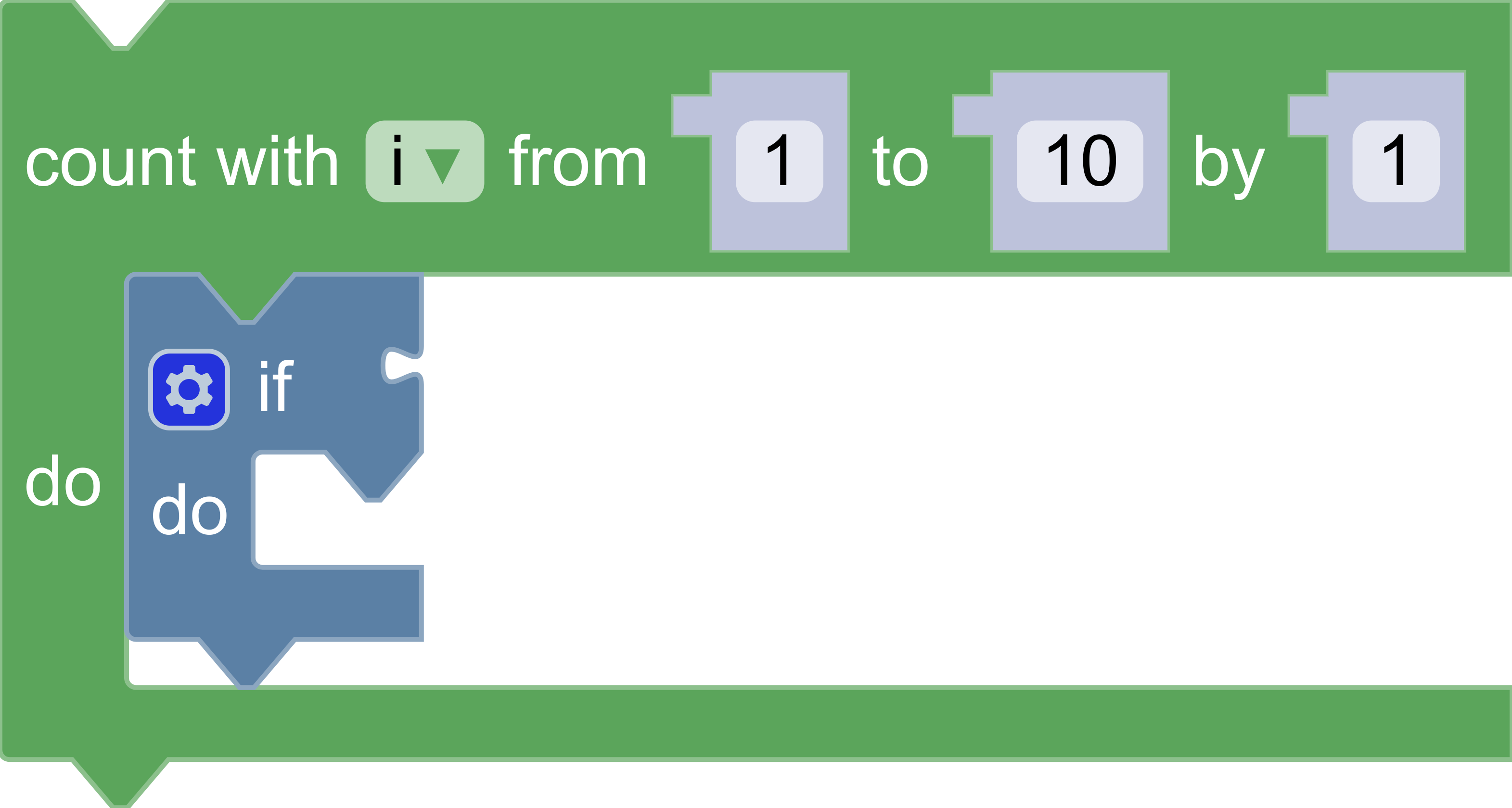
What you'll need
- Basic understanding of renderers and toolboxes in Blockly.
- NPM installed (instructions).
- Comfort using the command line/terminal.