Use CSS in Blockly
2. Setup
Download the sample code
You can get the sample code for this code by either downloading the zip here:
or by cloning this git repo:
git clone https://github.com/RaspberryPiFoundation/blockly.git
If you downloaded the source as a zip, unpacking it should give you a root folder named blockly-main.
The relevant files are in docs/docs/codelabs/css. There are two versions of the app:
starter-code/: The starter code that you'll build upon in this codelab.complete-code/: The code after completing the codelab, in case you get lost or want to compare to your version.
Each folder contains:
index.html- A web page containing a simple Blockly workspace.toolbox.js- A toolbox with multiple categories.index.js- Code to inject a simple workspace.
The complete-code folder also contains the halloween.css file you'll create.
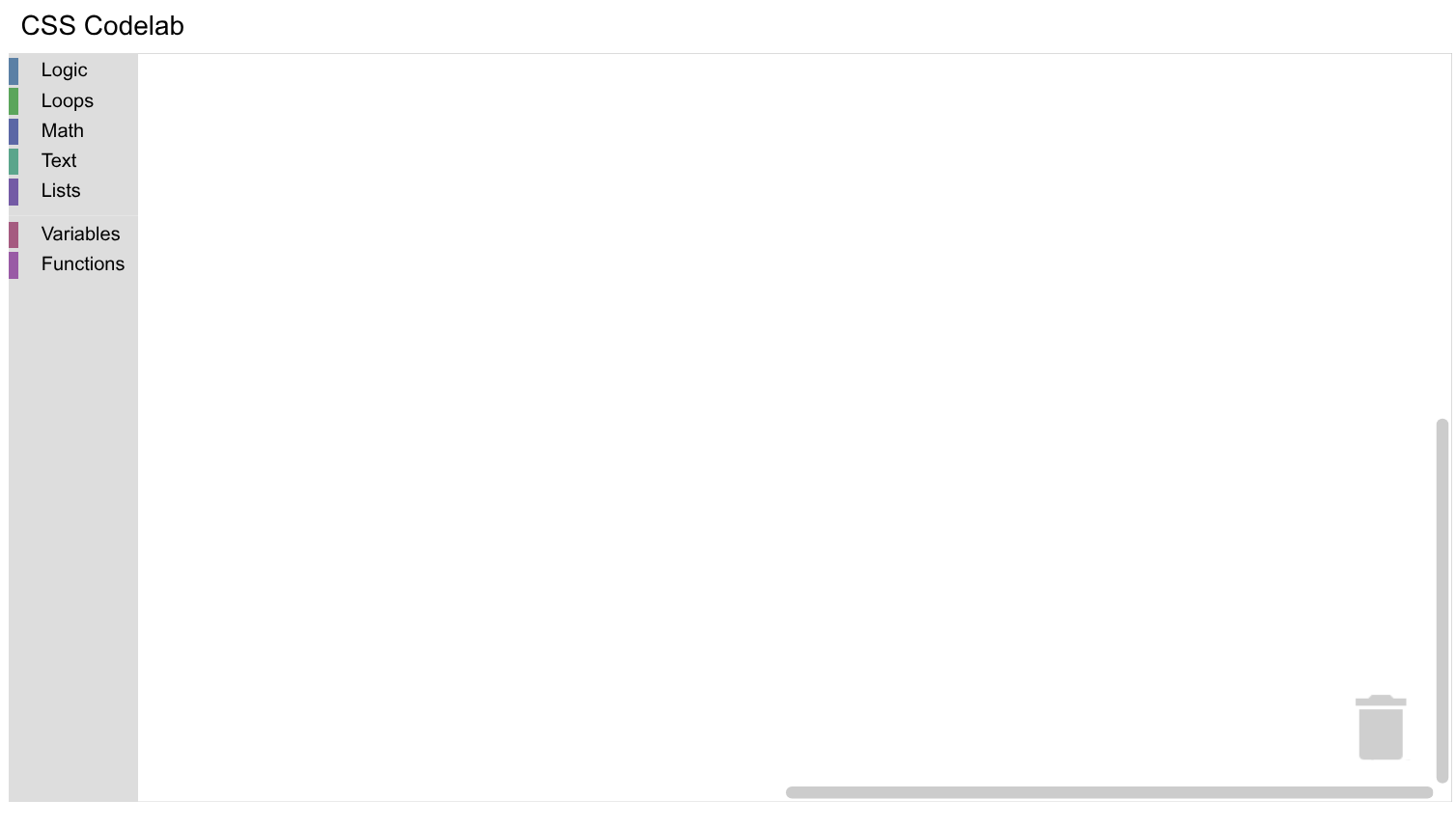
To run the code, simply open starter-code/index.html in a browser. You should see a Blockly workspace with multiple categories.