Customizing a Blockly toolbox
6. Change the category HTML
If you only need to change the CSS, like we did in the previous section, then using the cssConfig is a great choice.
However, if you need to change the html, maybe to add text, an image, or anything else, you can override
the corresponding method that creates the dom. In this example, we'll add an <img>
to our category by overriding the createIconDom_ method.
Change the element for our icon
By default, the createIconDom_ method adds a <span> element for the category
icon. We can override this to return an <img> element.
Add the following methods to custom_category.js:
/** @override */
createIconDom_() {
  const img = document.createElement('img');
  img.src = './logo_only.svg';
  img.alt = 'Lamp';
  img.width='15';
  img.height='15';
  return img;
}
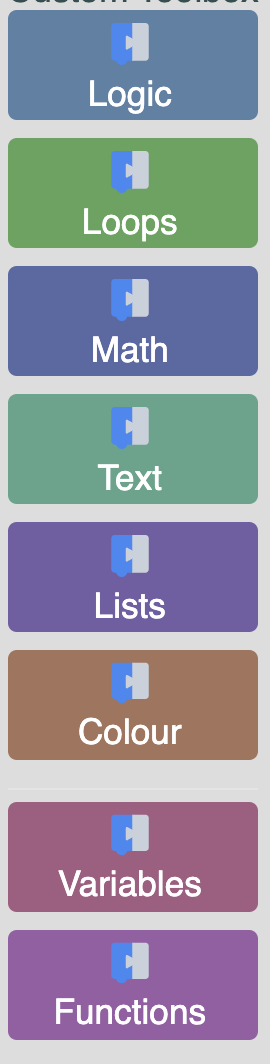
The result
If you open index.html you should now see the blockly logo on top of all your
categories