Customizing your themes
4. Customize Components
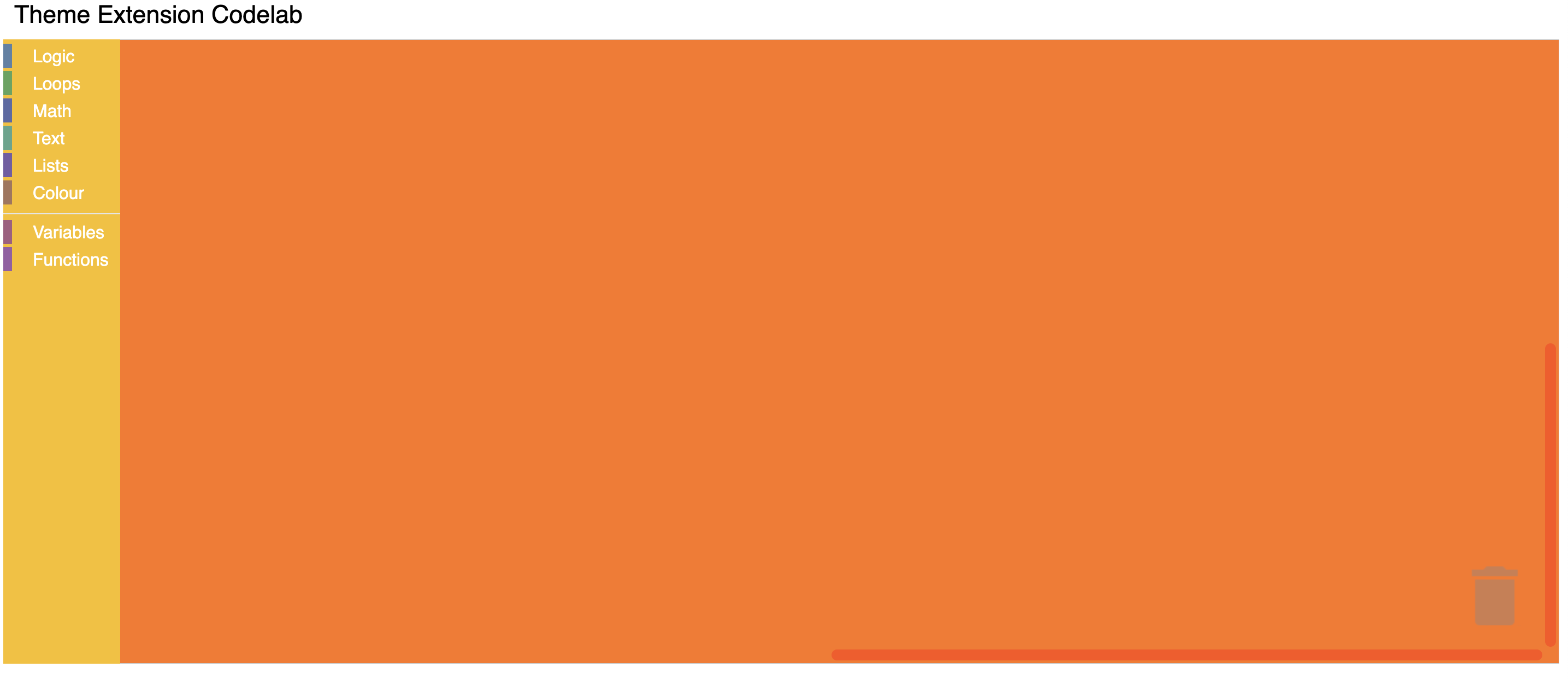
Within the Halloween theme definition, you can customize the colours of multiple components:
Blockly.Themes.Halloween = Blockly.Theme.defineTheme('halloween', {
  base: Blockly.Themes.Classic,
  componentStyles: {
    workspaceBackgroundColour: '#ff7518',
    toolboxBackgroundColour: '#F9C10E',
    toolboxForegroundColour: '#fff',
    flyoutBackgroundColour: '#252526',
    flyoutForegroundColour: '#ccc',
    flyoutOpacity: 1,
    scrollbarColour: '#ff0000',
    insertionMarkerColour: '#fff',
    insertionMarkerOpacity: 0.3,
    scrollbarOpacity: 0.4,
    cursorColour: '#d0d0d0',
    blackBackground: '#333',
  },
});
Test it
Reload your web page. You should see a themed workspace!